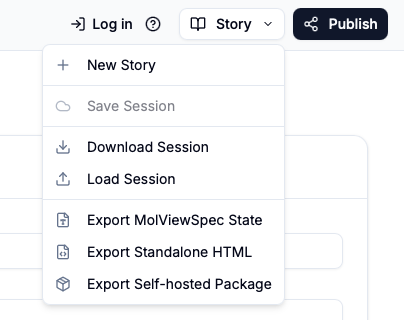
Web Application Interface
The Mol-View-Stories web application aims to provide a straighforward way to write stories. A Story is a set of scenes that share some common global settings and the story panels are where you can modify these settings. Within the Scene panels you can specify per-scene settings and in the Top Panel you can download your stories or , if you are logged in you can save them to the cloud.
Story Panels
A Story is a set of scenes that share some common global settings and the story panels are where you can modify these settings.
Stories consist of Story The story panel is where global information about a story goes. Str - Story metadata editor - Scene list and navigation - Scene options and settings - Assets management
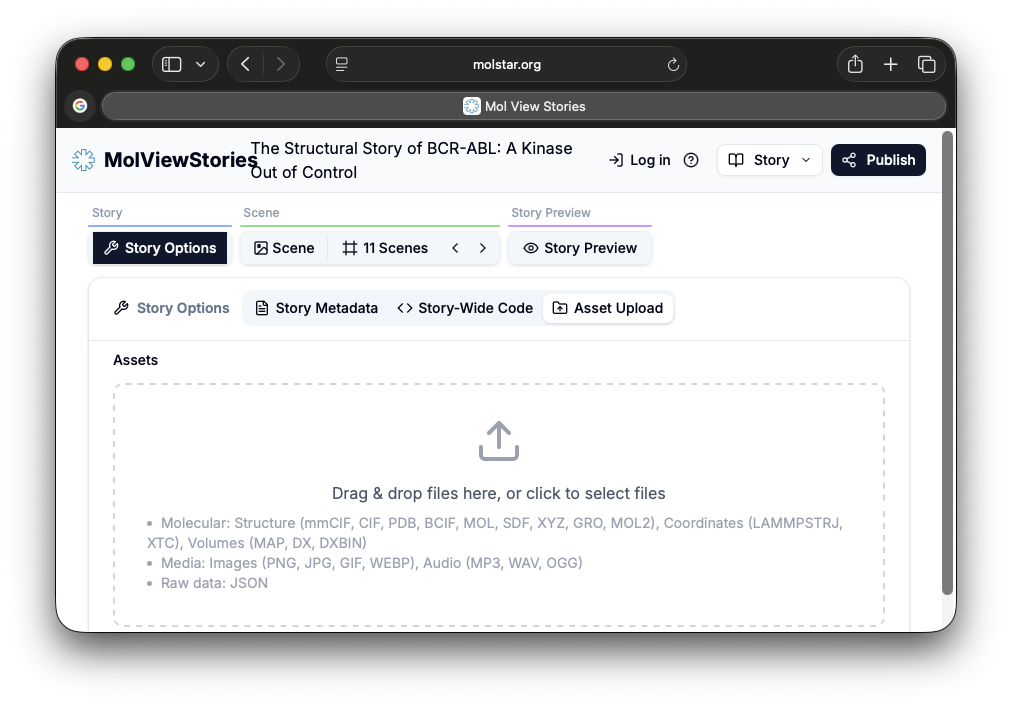
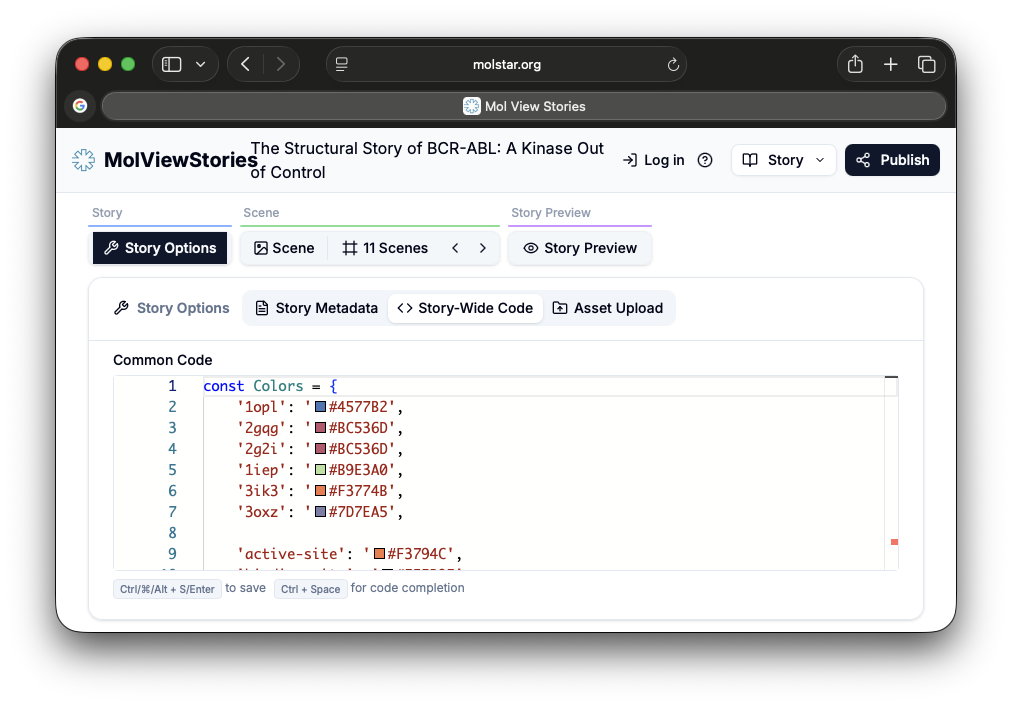
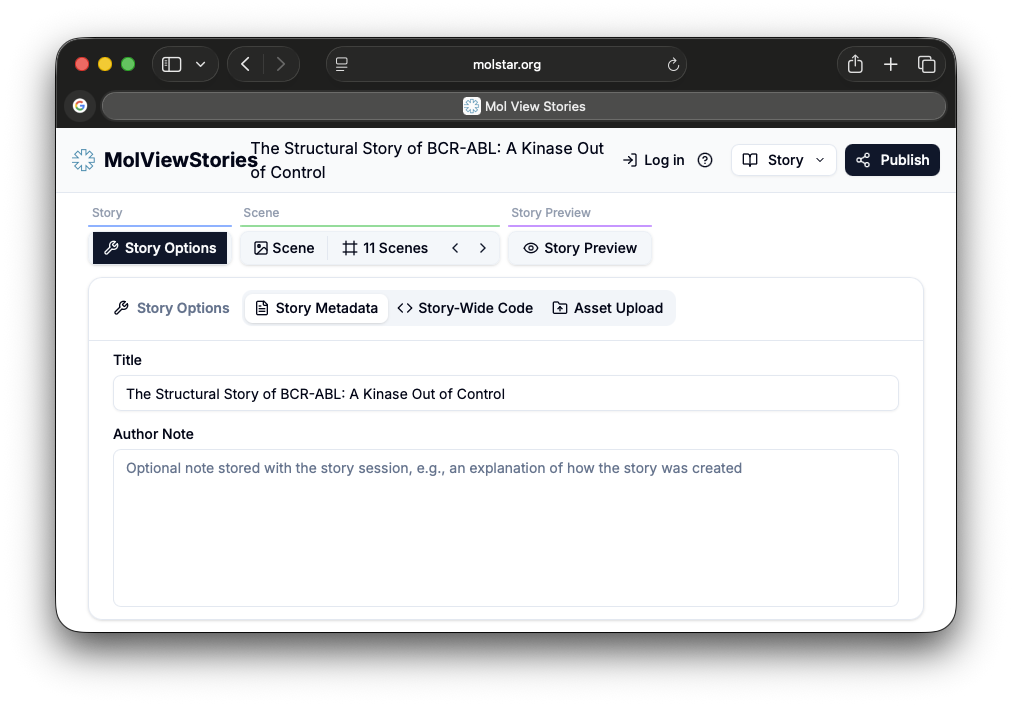
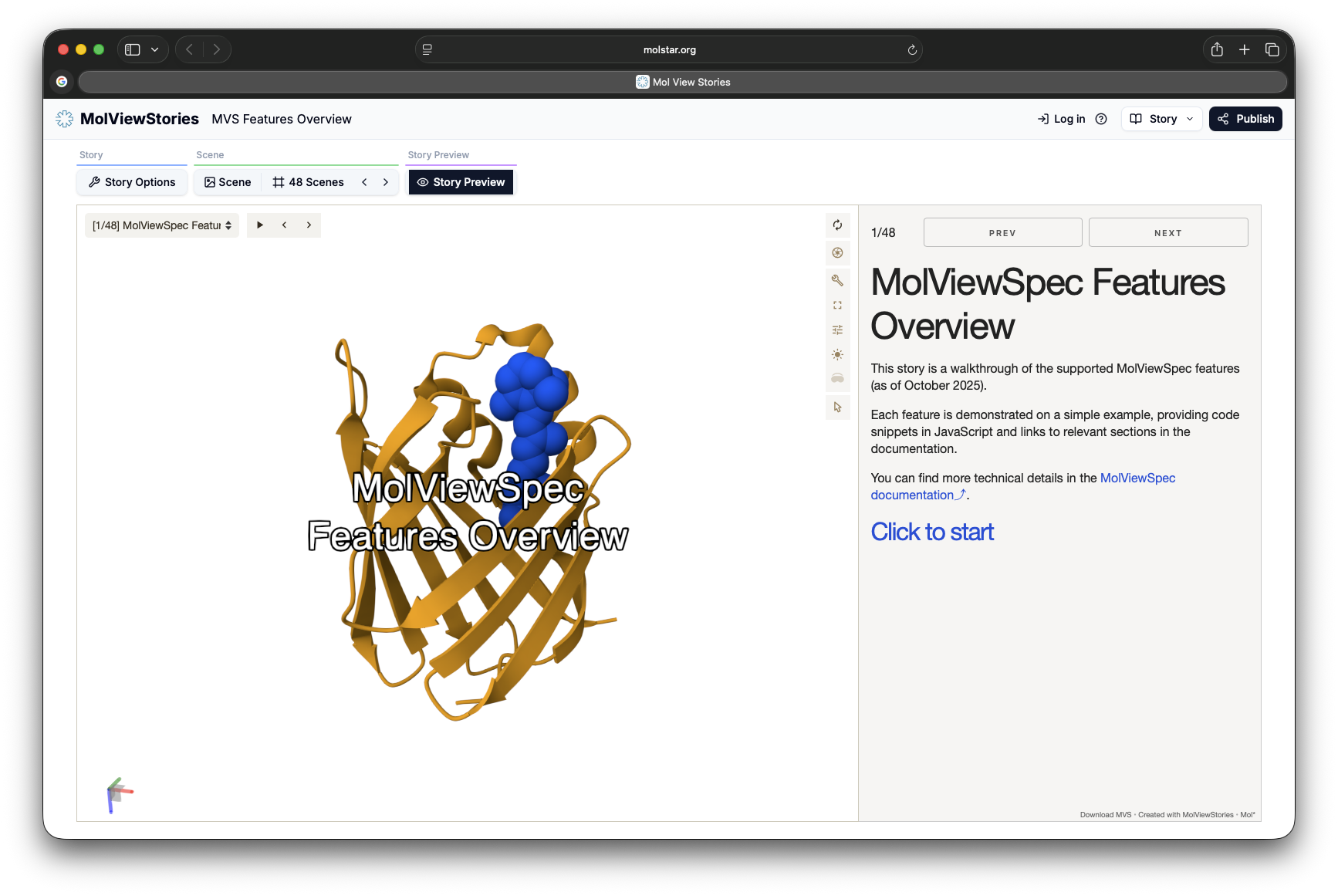
At any time you can press Story Preview and get a live view of your story.
Scene Panels
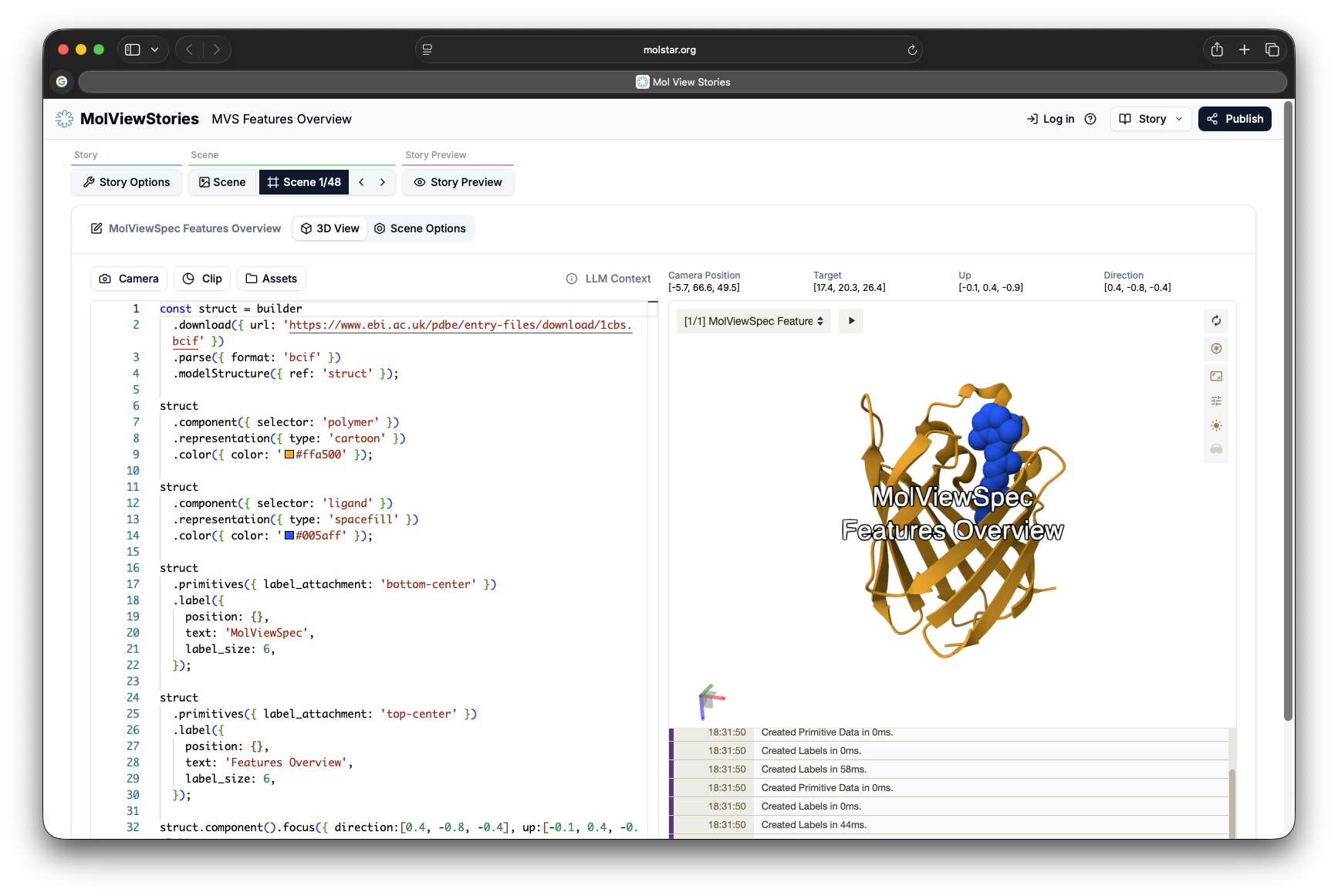
Scene Code Panel
The code in this panel will be combined with the Story code and executed to render the scene. A live preview is available to the right. The editor has:
- Syntax highlighting
- Auto-completion
- Code execution (Ctrl/Cmd+S)
- Error highlighting
Scene Options Panel
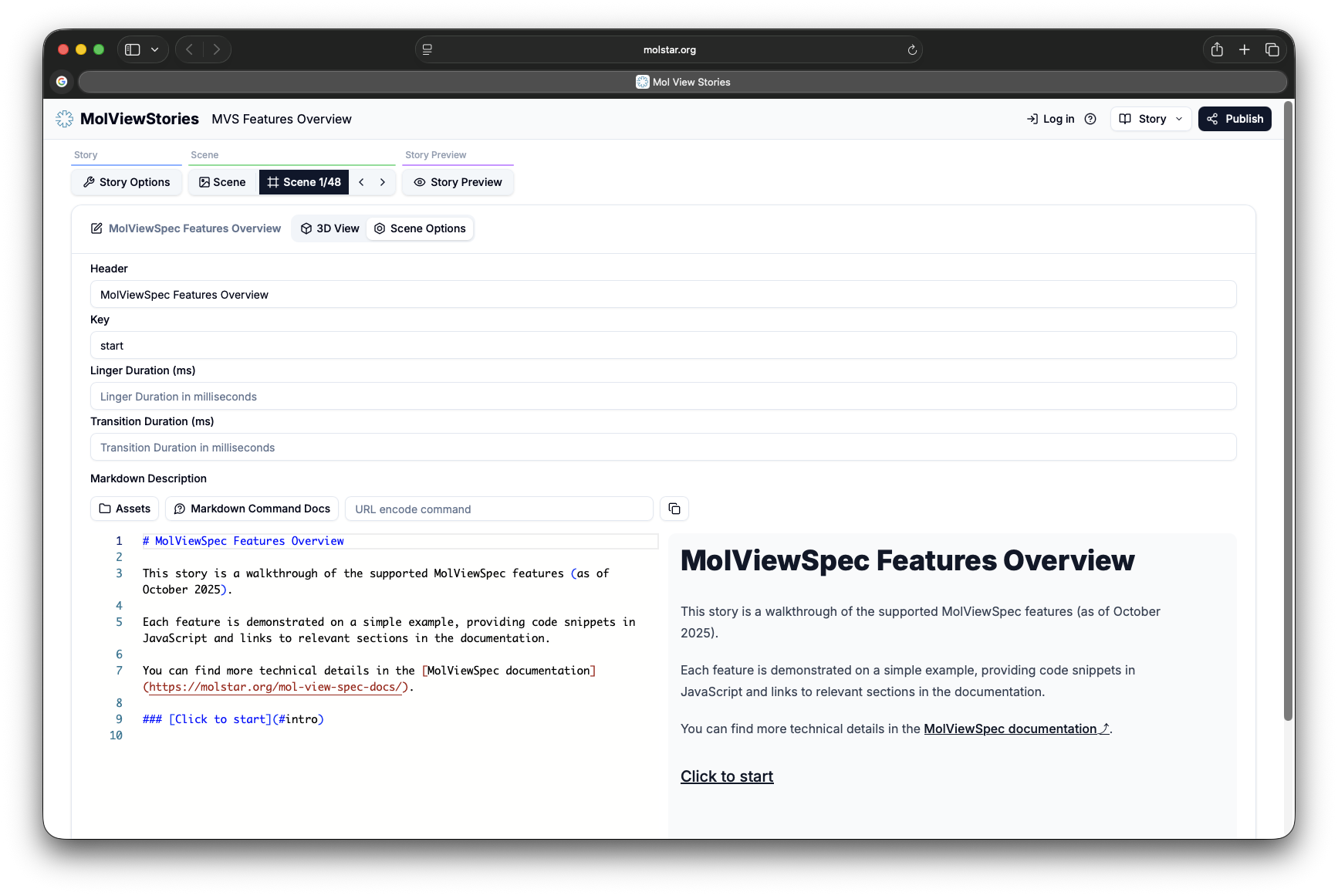
The scene options panel allows you to write your markdown content for the scene. You can add text, images, and other elements to enhance the scene’s appearance and functionality. You can also specify scene-level metadata:
- Header
- key ( internal scene name that can be referenced ).
- linger/transition duration
Top Menu Bar
The top menu bar provides access to file operations, saving/publishing, and story management. From here you can download stories in various formats, save private sessions, publish public stories, and access your saved work. See Cloud Storage & Sharing for details.